Overview & Goals
If, like me, you are interested in booting a Raspberry Pi without any persistent storage devices (SD Cards, USB, SSD, etc), you’re in the right place.
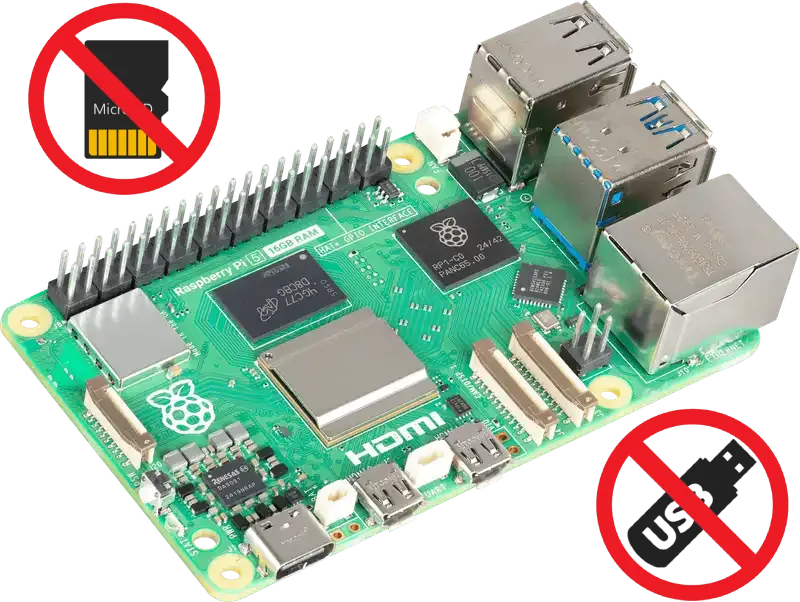
Explanation
Section titled “Explanation”One of my least favourite parts of tinkering with tech like the Raspberry Pi is fiddling around with SD cards, USB drives, adaptors, flashing tools, etc
When building a new system, ideally I can define it’s configuration in text form and boot the machine and call it a day - at least during the early debugging phases
Thankfully since the Raspberry Pi 3 Model B in 2016, booting over the network has been a viable option, meaning you can boot and run your entire system without configuration any SD cards or USB drives
So how far can you take this? Quite far actually.
Example use cases for booting over network:
- Boot into an OS installer image (common)
- Run a temporary OS for troubleshooting hardware (troubleshooting)
- Debugging an OS without burning through SD cards (debugging)
- Run machines as thin clients with all data stored remotely (security)
In this guide I’ll be going through the process of setting up Netboot so any Pi within my network can automatically boot into a fully configured OS without any connected storage devices.
Next Steps
Section titled “Next Steps”First we’ll go over how this process works in some detail, then we’ll start preparing the machines and configurations.