🤖 Bootstrap VM
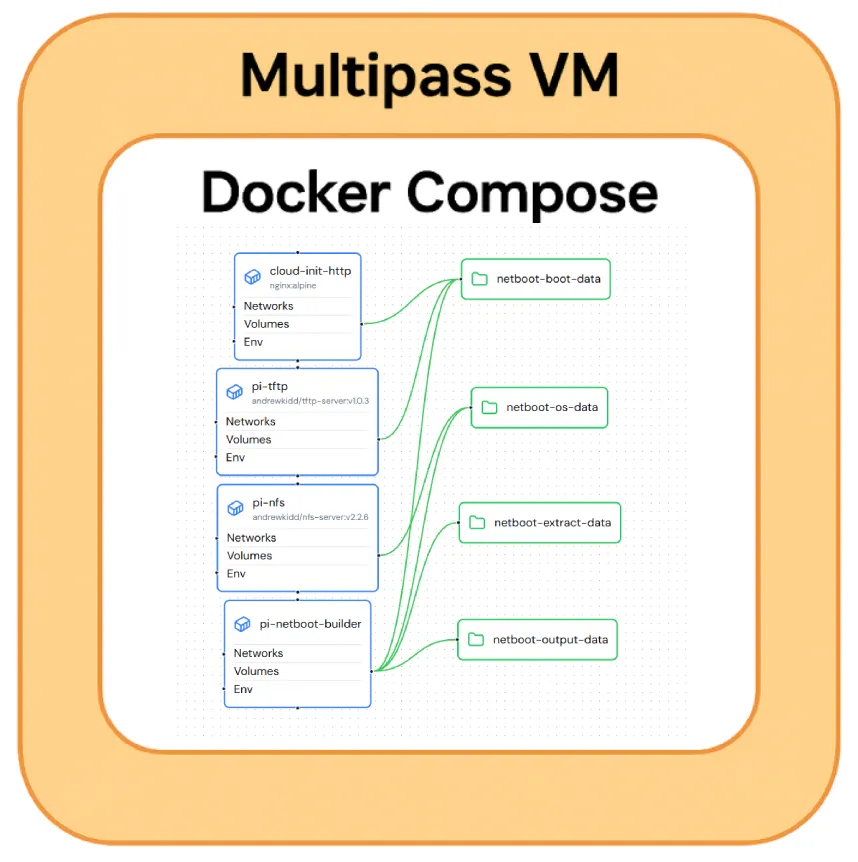
Gaze upon it’s majesty
I want to be able to provision and rebuild my cluster automatically with zero touch configuration. To do this I can use some of the very same technology I intend on using inside the cluster (TFTP/NFS Netboot, HTTP Cloud Init).
However this can be challenge as there are a lot of moving pieces, and I don’t want to end up in a position where my cluster relies on a bunch of manual configuration ahead of time.
I want everything in Git.
My original plan for this was to bootstrap the cluster via the repo using a Docker Compose configuration, however my primary desktop/workstation is Windows 11 based and prevents this (no docker host mode networking).
To get around these limitations, I could use a VM, but setting up VMs is slow, boring, often manual and prone to errors - so to aid that I scripted the VM creation using Multipass.
Using Canonical Multipass you can do docker-style commands to schedule and interact with a full Ubuntu VM, including bridged networking so you can host services on your network bypassing Windows limitations.
Resulting in a small, reproducible helper stack to bring up the Pi netboot services from any workstation.
Overall goals:
Section titled “Overall goals:”- Bridged networking onto the host network
- Automated installation of Docker and other dependencies
- Automated mounting of the repository
- Automated download, extract, patch of Ubuntu Server for Netboot and Cloud Init usage
- TFTP/NFS/HTTP servers on the host network via Docker-Compose
- Portable, reproducible configuration.
Hardware Configuration (Virtual)
Section titled “Hardware Configuration (Virtual)”The VM itself doesn’t need to be too beefy. CPU can help with downloads/extractions but not dramatically so past 4 cores.
At the moment I’ve got it set to a fairly CPU heavy/low RAM configuration:
- CPU: 8 cores
- RAM: 4GB
- Disk Size: 15GB
Software Configuration
Section titled “Software Configuration”Multipass
Section titled “Multipass”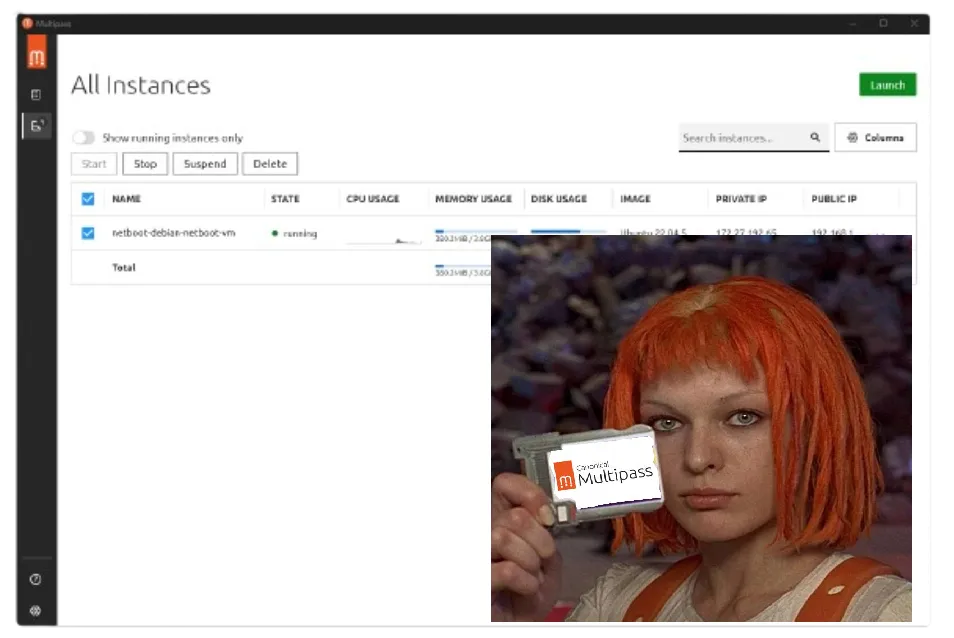
Leeloo Dallas Multipass
Canonical Multipass allows CLI creation and management of VMs, as well as configuration via Cloud-Init. Perfect choice for creating reproducible results across different machines, by essentially bringing your own machine.
VM Bootstrap scripts
Section titled “VM Bootstrap scripts”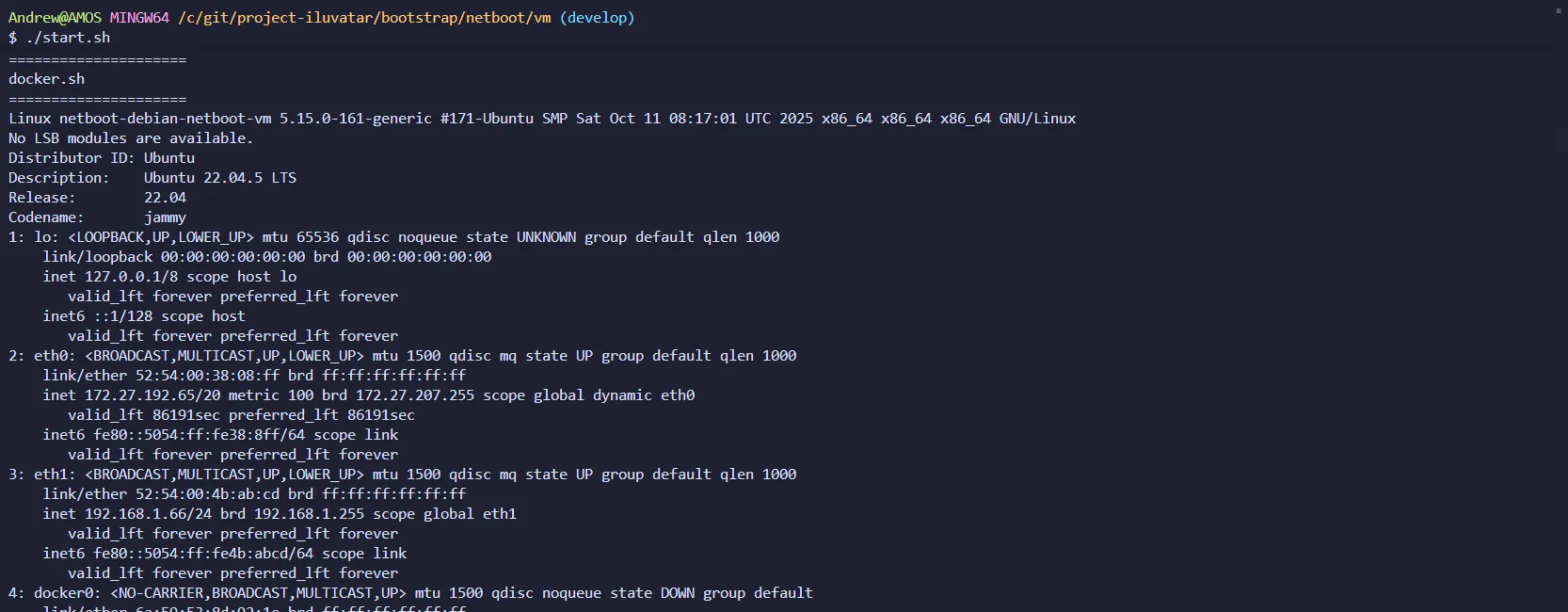
Bash script(s) designed to automate the creation of the Bootstrap VM.
- Creates the VM
- Configures OS via in-repo cloud-init
- Attaches to the Host Network (as defined in cloud-init)
- Mounts the repository inside the VM
- Starts in-repo Docker Compose configuration
Wraps the stack in a reproducible Ubuntu Multipass VM for hosts without usable host networking. Link
pi-netboot-builder
Section titled “pi-netboot-builder”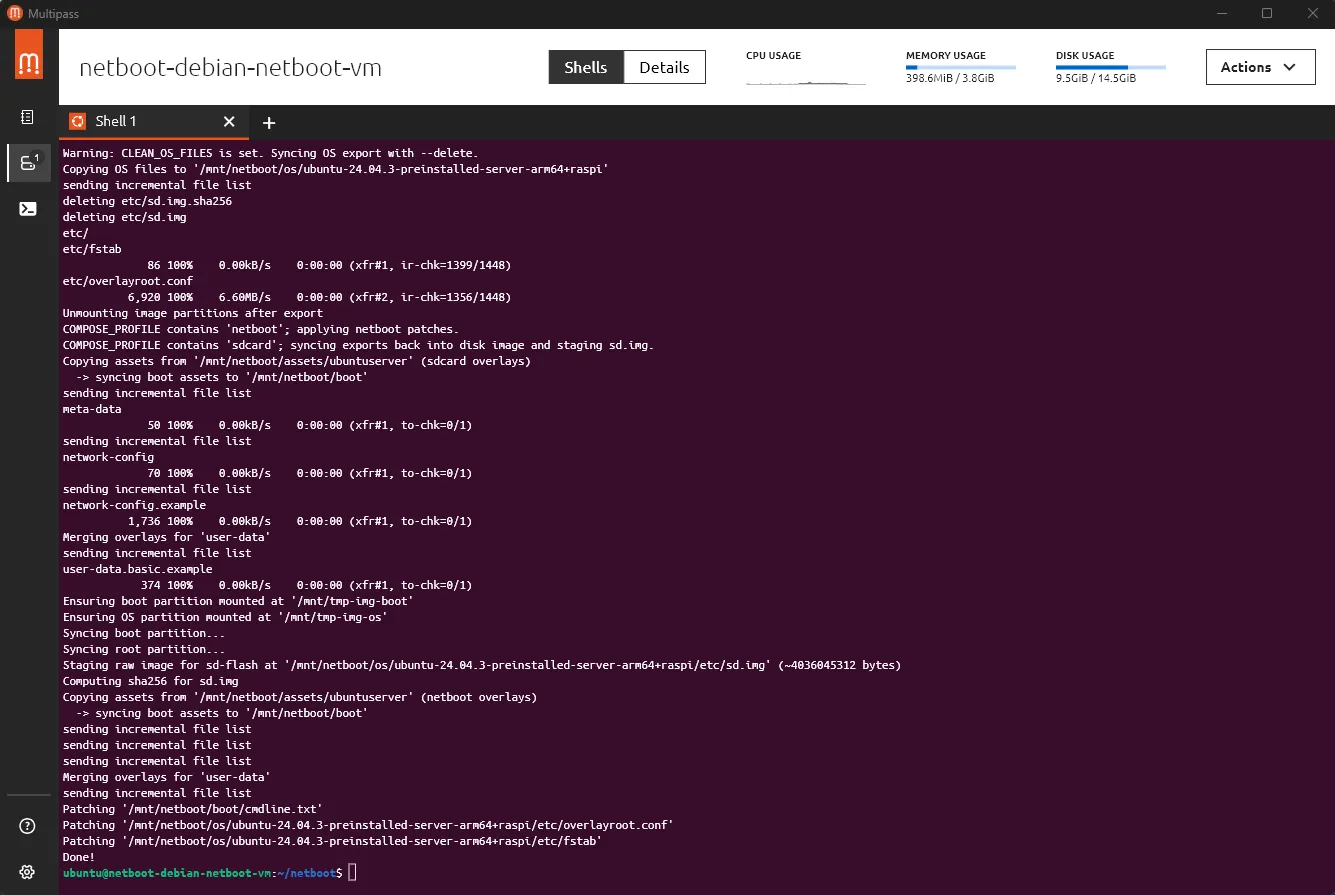
Bash script that automates the process of downloading an Ubuntu Server image, extracting it into a Netboot friendly format, patching the necessary files and injecting the in-repo cloud-init files. Also available as a multi-arch docker image.
- GitHub: pi-netboot-builder.sh
- GitHub: pi-netboot-builder.Dockerfile
- Dockerhub: andrewkidd/pi-netboot-builder
nfs-server
Section titled “nfs-server”
Containerized NFS server, for hosting the root filesystem. I forked this from an existing project and added arm64 support and some minor configuration tweaks.
tftp-server
Section titled “tftp-server”
Containerized TFTP server, for hosting the boot filesystem. I forked this from an existing project and added arm64 support and some minor configuration tweaks.
Docker Compose
Section titled “Docker Compose”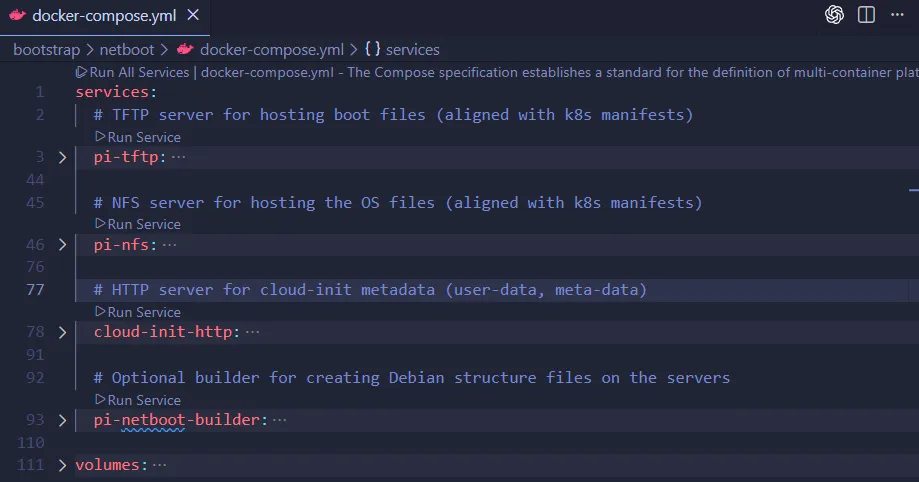
Configures the TFTP/NFS/HTTP servers and kickstarts the pi-netboot-builder process within the VM Link